Add bank accounts
Every business needs at least one bank account on file before you can generate ABA payment files for employee wages. The bank account you add here is the account your payroll payments are drawn from.
This guide shows you how to add and manage business bank accounts in Paysense.
What you'll need
| Item | Required | Notes |
|---|---|---|
| A business already created in Paysense | Yes | See Add a business if you haven't done this yet |
| Bank account details | Yes | Account name, account number, and BSB for each account |
Step 1: Open the Bank Accounts page
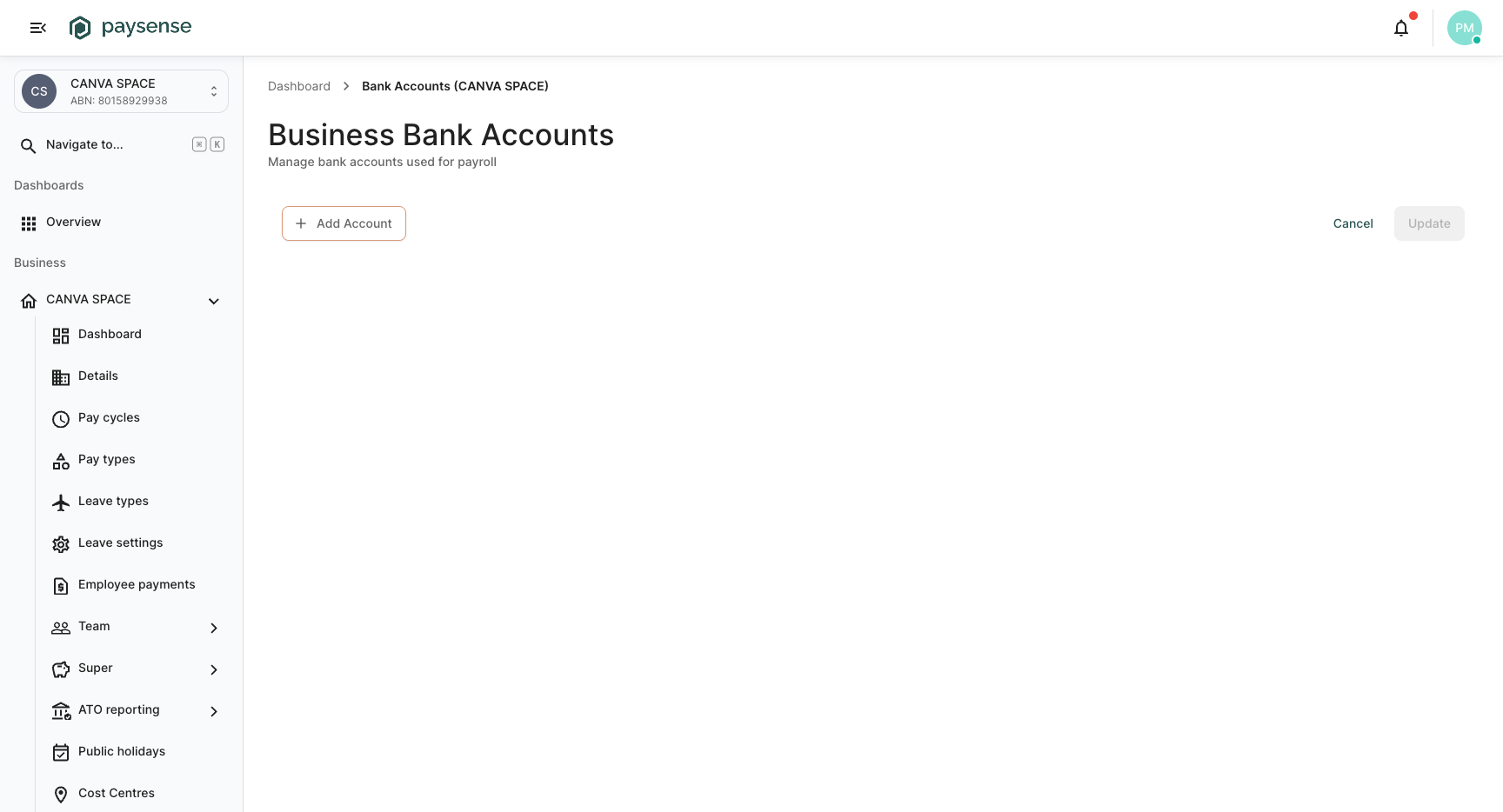
From the left-hand sidebar, expand the business name and click Bank Accounts. You'll land on the Business Bank Accounts page.
If no accounts have been added yet, the page will be empty with an Add Account button.
Step 2: Add a bank account
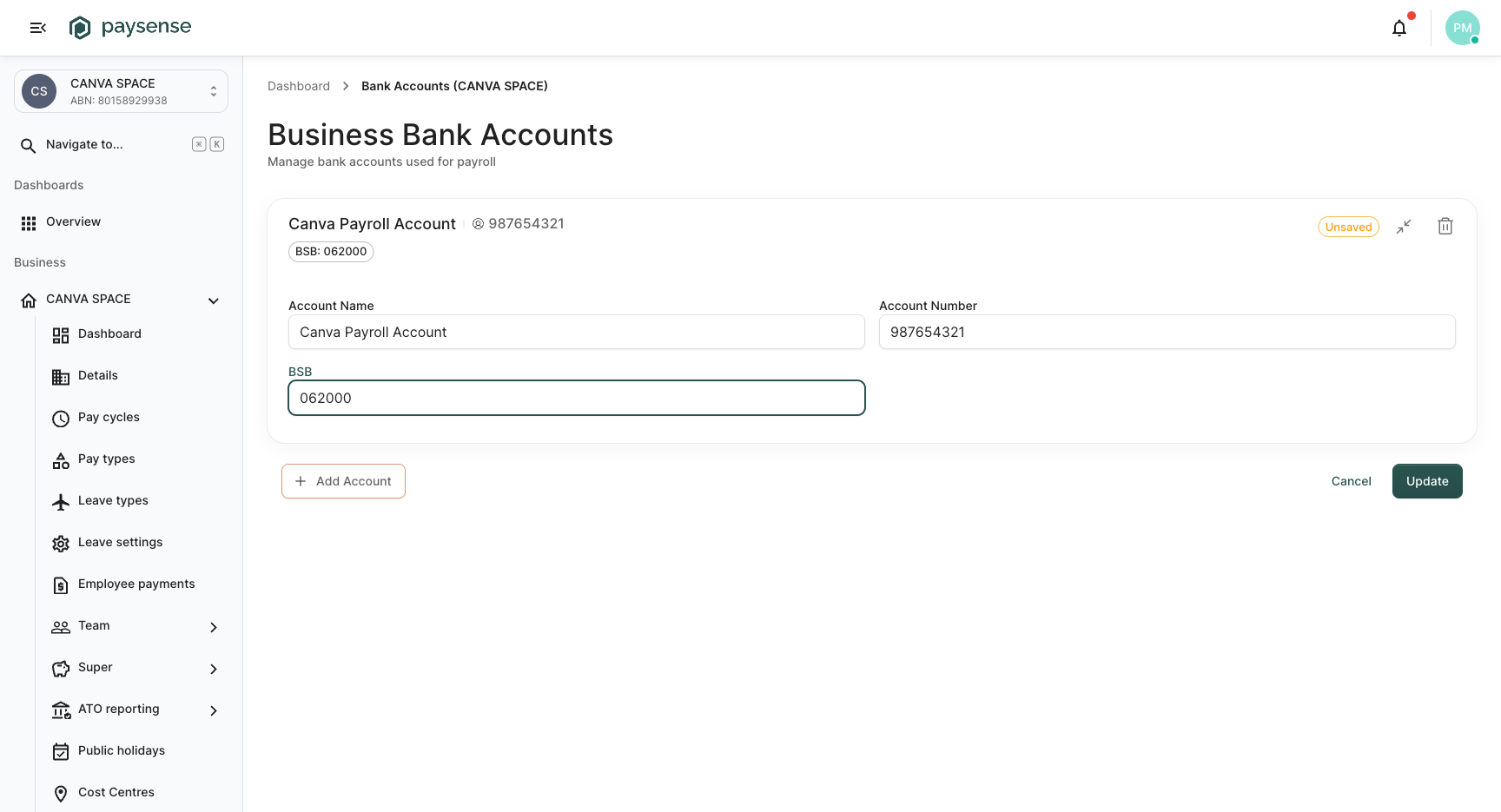
Click Add Account. A new card appears with three fields to fill in:
| Field | Required | Notes |
|---|---|---|
| Account Name | Yes | A descriptive name for the account (e.g. "Business Operating Account") |
| Account Number | Yes | The bank account number |
| BSB | Yes | The six-digit Bank State Branch code identifying the bank and branch |
The card header will display the BSB once entered, and an Unsaved badge will appear until you save.
If the business pays employees from more than one bank account, click Add Account again to add additional accounts. Each account gets its own card.
When you've entered the details, click Update to save.
Managing bank accounts
You can return to this page at any time to add, edit, or remove bank accounts.
- To edit an existing account, update the fields directly on the card and click Update
- To remove an account, click the delete icon on the account card
Removing a bank account that is currently used in an ABA configuration (under Employee payments) will break that configuration. Make sure to update your ABA settings if you remove an account.
What's next
- Configure employee payments: set up ABA file generation using the bank account you just added
- Add an employee: add employees to the business so they can be included in pay runs